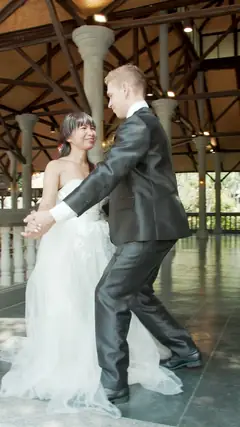

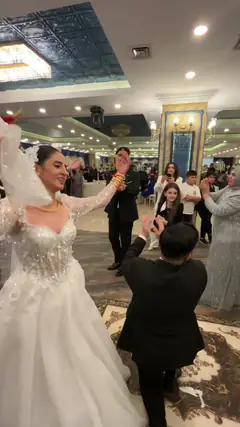
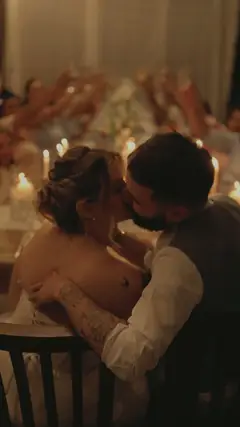

A live photo wall
Every photo reaches the screen within seconds, signed with the guest’s first name. Just open one page on the venue screen.
- Live photos and videos
- Guest, photo and video counters
- A QR code on screen to join in
Photos, videos and films, live
Your guests scan a QR code. Their photos and videos from the night appear on the venue screen on their own, and an AI edits them into short films set to the DJ’s songs, while the party is still going.
Emma & Noah
Wowly · live
148guests
1,204photos
236videos
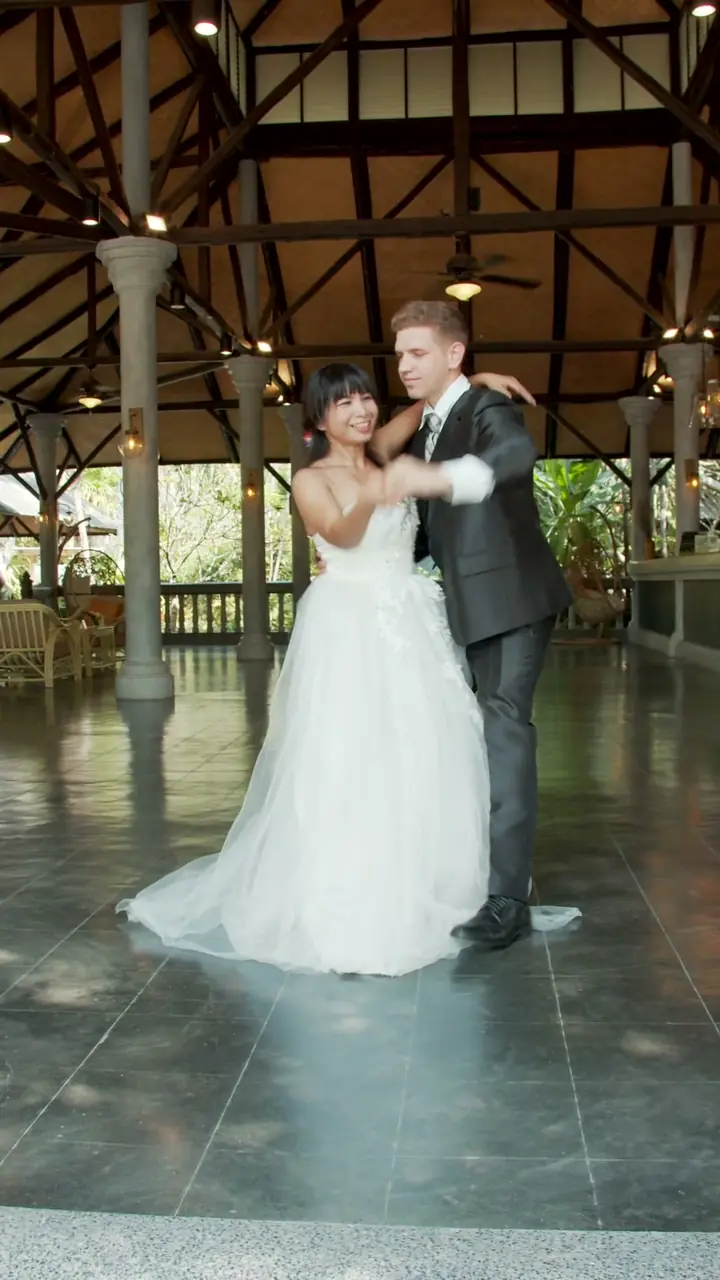


For guests
One scan, a first name, and they’re back on the dance floor. Their photos from the night follow on their own.
On the tables or on the screen, it leads straight to your event, in the app, on iPhone and Android alike.
To sign their photos on the wall. No account, no password.
Their photos and videos from the event upload on their own, and only those. They have 30 seconds to remove a bad shot.
Only photos taken between the start and the end of the event are sent. The rest of the camera roll never leaves the phone.
Photos and videos are compressed before sending, and uploads resume on their own if the connection drops.
A guest who’d rather not install anything picks their photos from the browser.
For hosts
Nothing to do during the party: Wowly projects, edits and sorts for you.
Every photo reaches the screen within seconds, signed with the guest’s first name. Just open one page on the venue screen.
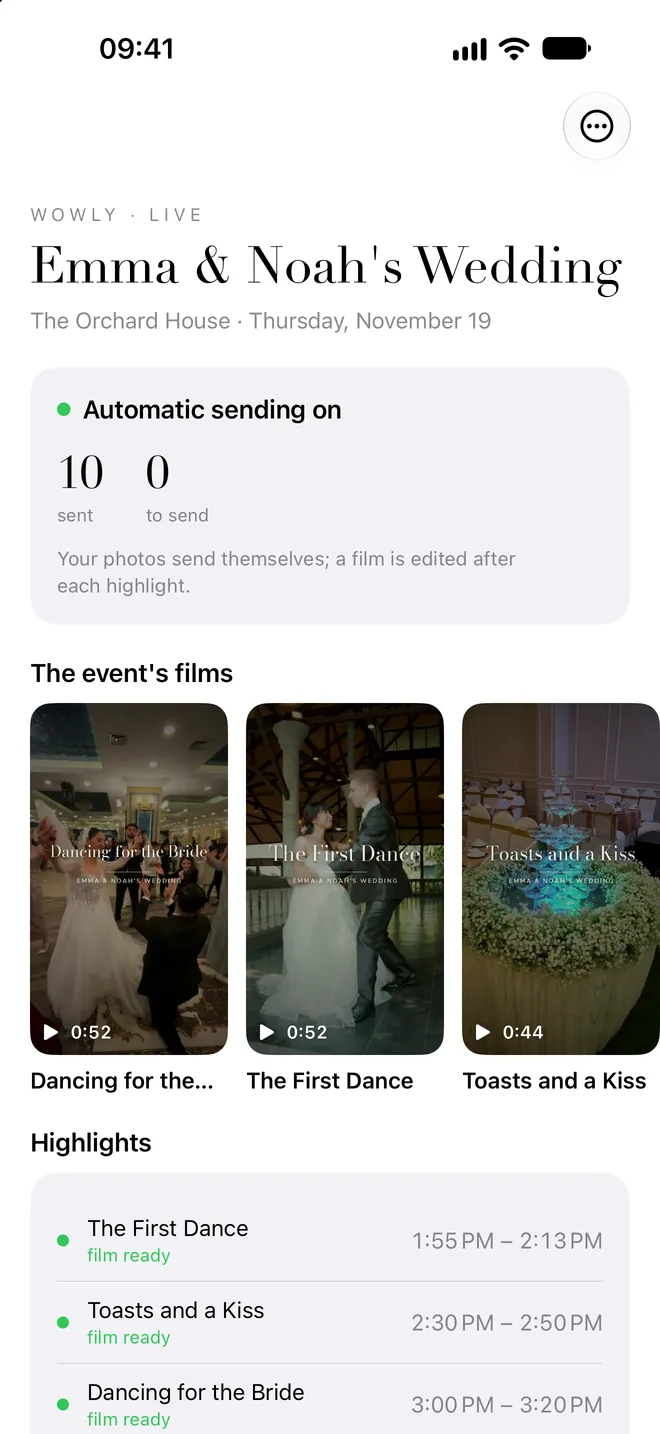
After each highlight, the entrance, the show, the cake, our AI director edits a 45-to-60-second film to the song the DJ just played. It plays on the wall a few minutes later.
All your guests’ photos and videos in your private space: watch, download or hide them. A hidden photo leaves the wall within 3 seconds.
The AI director
It watches what guests send, waits for the highlight to end, then cuts the film the way an editor would: an opening, a build-up, the emotion, a finale on the people you’re celebrating.
How it works
Before
Date, times, venue, language and the people you’re celebrating: we create the event with you. You get a printable QR poster and your private link.
During
Guests scan, the wall fills up. After each highlight, a film is edited to that moment’s song, then played on screen.
After
The films and every photo stay in your private space. Guests find the films in the app.
The package
One price per event, with no subscription and no per-guest fee.
Pricing on request, depending on the date and the event.
Request a quoteFor professionals
Offer Wowly to your clients: your music, your venue or your party becomes films. Partner terms on request.
Become a partnerQuestions
For automatic uploads, yes: the free Wowly app for iPhone and Android opens when they scan the QR code. Guests who’d rather not install anything can send photos from their browser by picking them.
No. Only photos and videos taken during the event’s hours are sent, never screenshots. Guests have 30 seconds to remove a bad shot before it goes.
On iPhone, photos are sent while the app is open. A notification reminds guests to open it during the event: one tap and everything goes.
For the live wall and films, yes: a TV or a projector connected to a computer with a web browser. Without a screen, guests still find the films in the app and you keep the gallery.
Your event’s music: Wowly recognizes the DJ’s songs in the guests’ videos and edits each film to the one played most. You can also choose a song for each part of the event.
Guests, on the venue screen, and you, in your private space. Films can be watched by anyone with the event’s link. Nothing is published anywhere else, and Wowly uses no facial recognition.
To edit a film, our AI director (Claude, by Anthropic) looks at reduced contact sheets from the highlight and picks the shots. Those images are only used for editing: under its terms, Anthropic doesn’t use them to train its models. Details are in our privacy policy.
At family celebrations, many guests are children. Nothing is published outside the event, you can hide any photo, and a parent can ask us to remove their child’s photos.
Contact
Tell us the date, the venue and the number of guests: we’ll get back to you with a proposal.
 0:44
 0:51
 0:14
 hidden